I removed the heat spreaders. Thy were stuck on with an adhesive, so I carefully pried off the side stuck to the chips while loosening it with some rubbing alcohol. The other side was on more firmly, because this RAM is single-sided. The other side has a rectangular piece of plastic that looks like it was stuck with a hot glue gun. I cleaned everything off, left on the plastic piece, and stuck the stickers on it, in case I forget later where it came from:
For the heatsink, I removed the plastic mounting brackets and installed the ones included:
CPU, RAM and heatsink installed. The Noctua heatsink comes with a syringe of their own thermal paste (NT-H1), it is supposed to be bad ass, so I tried it out:
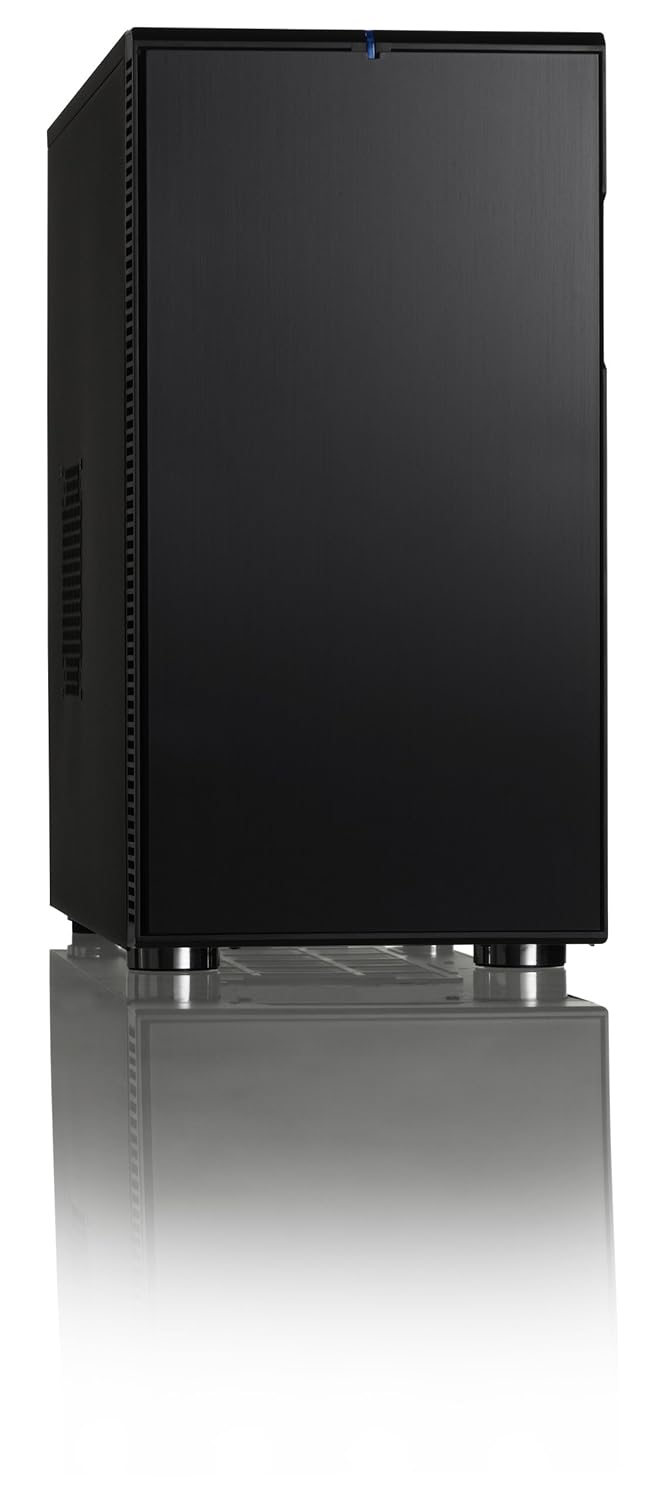
Mounted to case:
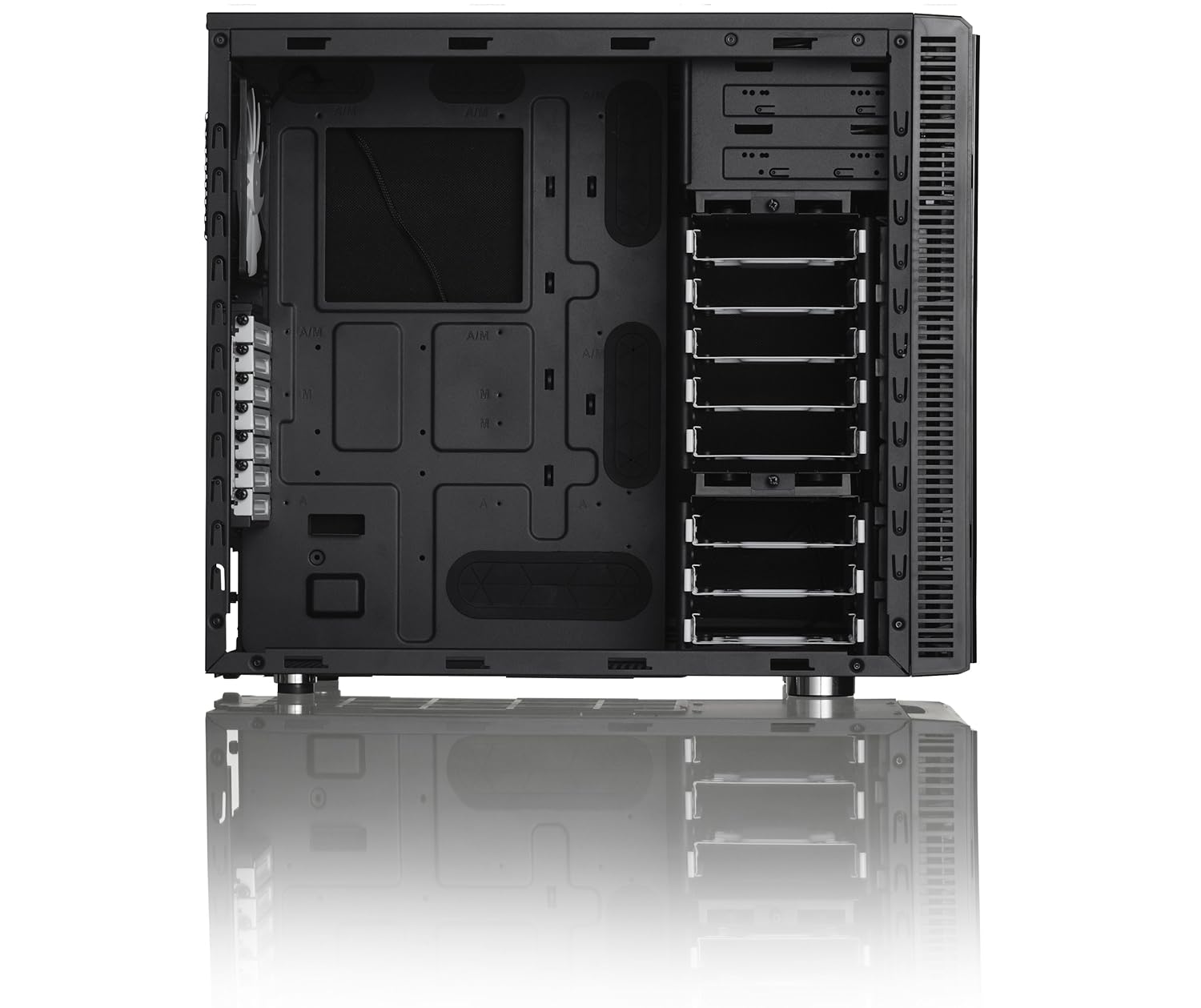
The side panel has a giant 200mm fan.
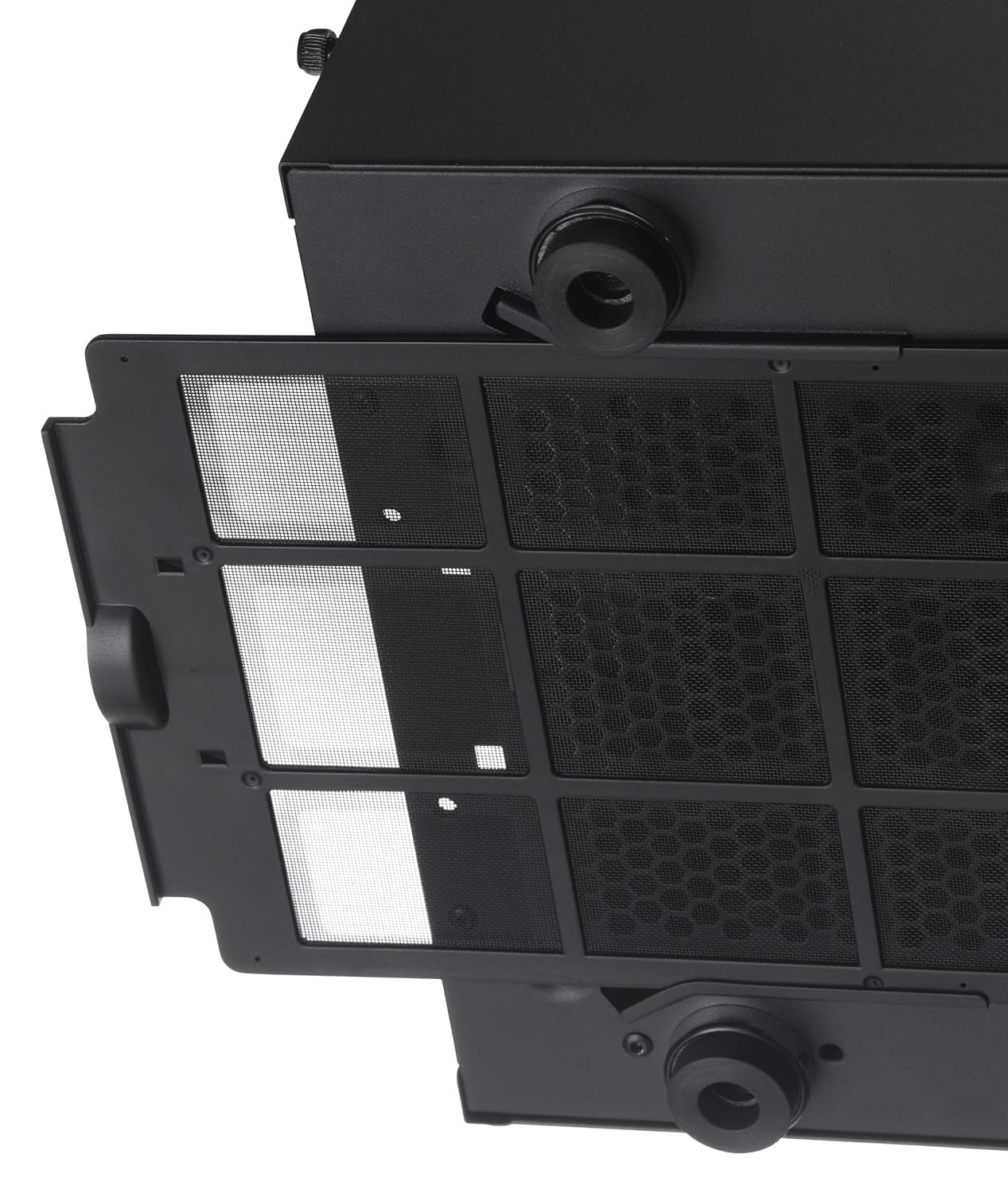
Top view, where I can add 2 more fans:
Other side of case, where I had to mess around a bit with the placement to get the panel back on. The panel flares out about 1/2 inch near the rear of the case, so the extra PSU cables can go there. This is where I decided I should have gotten a modular PSU:
Also, it is near impossible to get a SATA cable to the bottom drive bay and still have clearance to put the panel on. I have some L-shaped connectors, but they were all pointing down, where I need one that is pointing up.
Back of system:
And its current state:
The SSD is mounted in one of the top bays, and the WD Blue drives are on the bottom. I have some more drives to put in, but I don't want them in there until after I get it up and running.
I always like working with quality components. In the 7 yrs or so that these companies have had to develop them, they are clearly listening to the consumers. I was impressed with the attention to detail that went into engineering these components.
Next, I have to get some video cards, but I need to read some more to make sure the ones I get will work like I think they will.
The AMD A-series chips have an onboard GPU, the AMD chipset on the board has everything but the GPU, so coupling it with the A-series CPU gives it integrated graphics.
But then, there is dual graphics, where you can add a compatible video card, and the chipset takes the added card and runs it in parallel with its own.
But then, there is CrossfireX, where you can run 2 AMD cards in parallel as long as they have the same GPU. So if you run 2 cards in Crossfire with dual graphics enabled, you are running 3 physical GPUs.
The catch is, the addon GPUs can not be a higher model than the onboard one. So I am looking at Radeon HD 6670 cards:
ASUS EAH6670/DIS/1GD5 Radeon HD 6670 1GB 128-bit GDDR5 PCI Express 2.1 x16 HDCP Ready Video Card - Newegg.com
or
XFX HD-667X-ZWF4 Radeon HD 6670 1GB 128-bit GDDR5 PCI Express 2.1 x16 HDCP Ready Video Card - Newegg.com





 .
.